
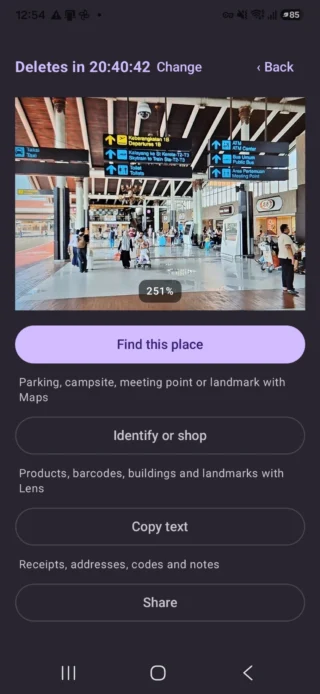
Step 1
Capture a meeting point
Take a useful photo at an airport or station. When Android Location is enabled, Photo Pin can save the map coordinate with it.
How Photo Pin works
There is no account to set up. Each photo opens with simple actions so you can choose exactly what you need.
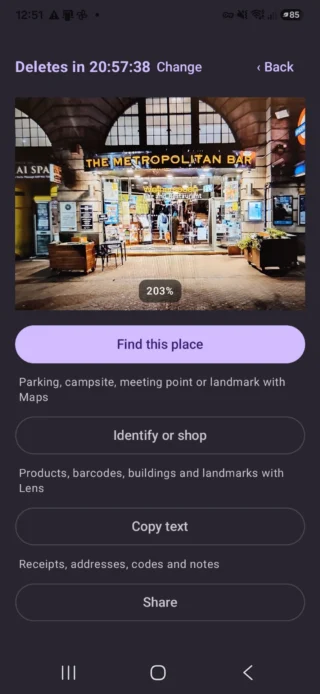
Take a useful photo at an airport or station. When Android Location is enabled, Photo Pin can save the map coordinate with it.
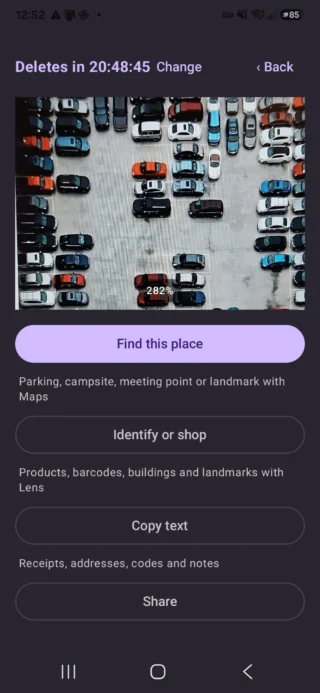
Save a parking place, campsite, meeting point or landmark, then open it later in Maps.
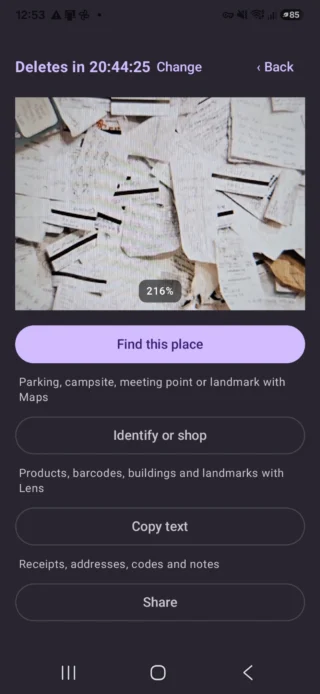
Select the part you need from a receipt, address, code or note, then view, copy or share the recognised text.
Clear choices
For parking, campsites, meeting points and landmarks. Open Maps later, share the saved location or add a reminder.
For products, barcodes, buildings or artwork. Visual search is optional and asks before sharing the visible image.
Select the part you need from a receipt, address, code or note, then view, copy or share the recognised text.
Choose Share and select WhatsApp. Nothing is sent until you choose a contact and confirm in WhatsApp.
Choose Share and select your email app. You can check the message and recipient before sending.
Use 3 hours, 24 hours, 7 days or Keep. Photo Pin asks for confirmation before a photo is permanently deleted.